Quickstart
IAPGUARD validates in-app purchase receipts on our servers instead of inside your app. That protects you against fake receipts, tampered local inventories and other fraud attempts.
Create an account
Every account starts on the free plan. You can move individual applications to a paid plan later. See Pricing for what each plan includes.
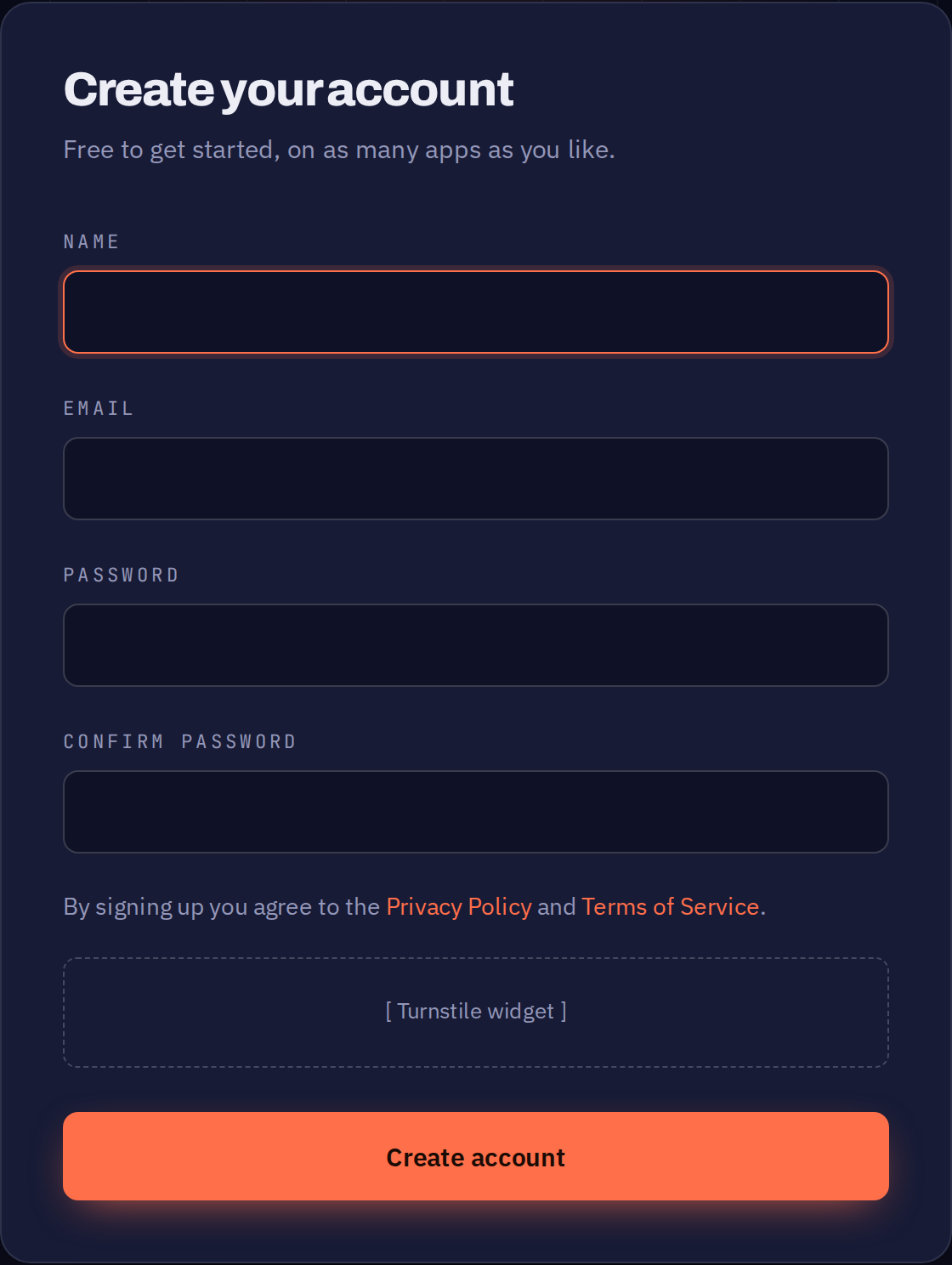
You will receive an email with a confirmation link. The dashboard stays locked until you open it.
Create an application
An application is the endpoint your app sends receipts to. You can use one application for all platforms, or one application per platform.
One application for all platforms is the recommended setup. It keeps every store in the same charts, so you can compare them side by side, and there is only one application to look after. Your users also keep the same purchases across stores — they can buy on Android and continue on iOS with the same account.
Use one application per platform only if you want users and purchases kept apart, or need to control each platform's subscription separately.
Choose carefully. Applications cannot be merged or moved between accounts later.
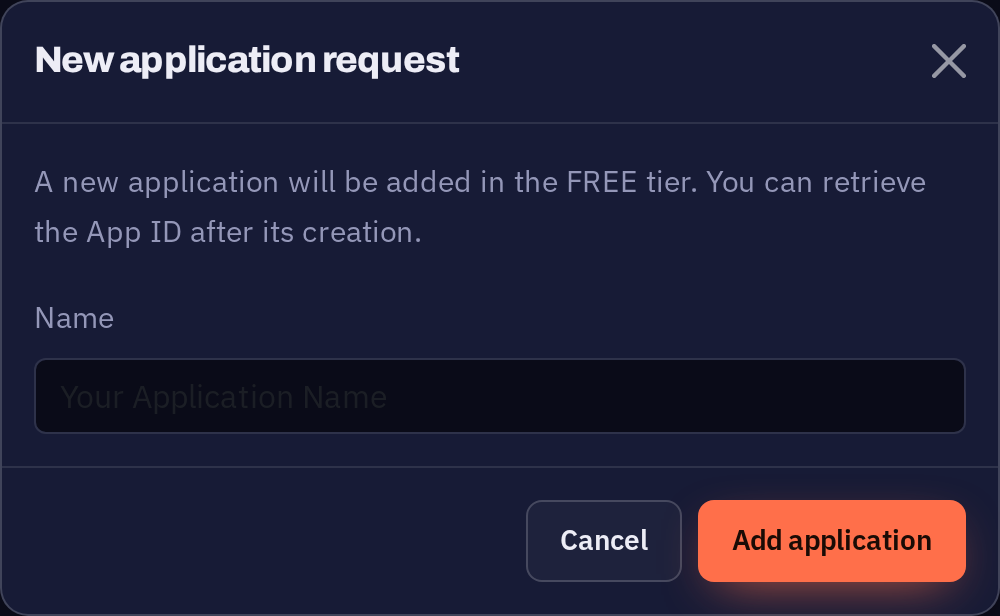
Open Applications and select Add application.

Only a name is needed. Everything else is set up afterwards in App Setup.